










Table of Contents
Fast loading website is an important factor for any user experience, SEO ranking and business success in the nowadays digital world. A slow website could lead to a frustrating user experience, higher bounce rates, and poor SEO. So this guide aims to share top-of-the-mind hacks to boost your site speed whereby if you’re struggling with sluggish site performance, then continue reading.

Why Website Speed Matters
User experience:
Users expect pages to load within a few seconds. A slow website can lead to frustration, higher bounce rates, and lost visitors.
SEO Benefits:
Faster websites are given priority in search results by Google, as it treats page speed as a ranking factor.
Conversion Rate Optimization:
Websites that load faster generally convert more visitors into customers.
Mobile Responsiveness:
A fast website guarantees a smooth experience across all devices mobile browsing is on the rise.
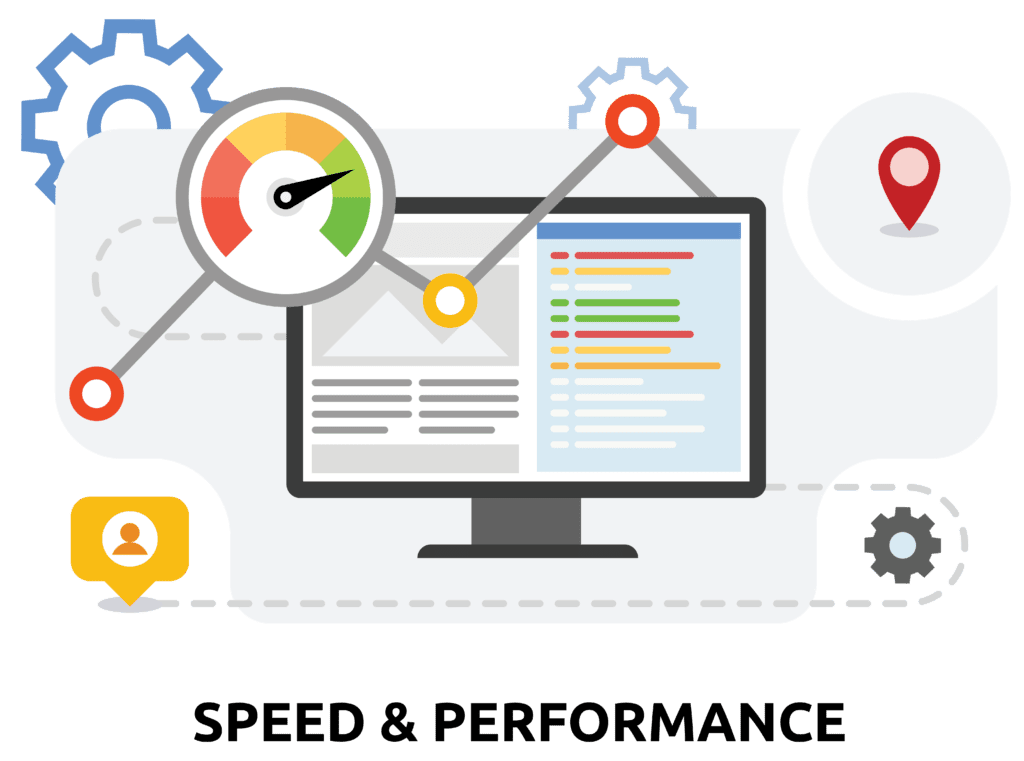
Effective Ways to Improve Website Speed
1.Optimize Images:
Large images slow down websites. Compress images without losing quality using tools like TinyPNG or ImageOptim. Use next-gen formats like WebP for better performance.
2.Enable Browser Caching:
Caching serves static resources (such as images, stylesheets, and scripts) from a user’s browser, which can reduce load times for repeat visitors.
3.Minimize HTTP Requests:
Every component on your webpage (images, scripts, stylesheets) results in an HTTP request. One way to optimize the static content is to minimize the number of requests by combining CSS and JavaScript files.
4.Implement the Content Delivery Network (CDN):
Now, a CDN (Content Delivery Network) effectively replicates your website’s content across multiple servers spread over the globe, allowing users to access your data at lightning speed, wherever they are. Some common CDNs are Cloudflare and Akamai.
5.Optimize Server Response Time:
Slow response from the server can kill the performance. You could either upgrade your hosting plan or find a host that provides server performance optimisation.
6.Minimize Plugins and Third Party Scripts :
Rather, too many plugins slow your website down. Disable or uninstall useless plugins and reduce third-party scripts (tracking codes, social media widgets, etc.)
7.Implement Lazy Loading:
Lazy loading ensures images and videos only load when they are in the user’s viewport and decreases the initial load time of the page.
8.Enable GZIP Compression:
GZIP compresses your site files, which might will decrease of file and increase loading. You can do this through your server settings or a plugin.
9.Use a Fast & Reliable Web Host:
Your hosting provider is very important to website speed. If your existing host is sluggish, it may be time to upgrade to a a performance-focused hosting service.
For more information about website speed and performance
Recommended IT Company for Website Performance Optimization
As an IT solution provider, IT Relevant offers an array of services to help companies improve the speed and performance of their websites. From speed optimizations and security improvements to custom website hosting for your business, they have it all covered. This is a distinctive feature of their services which they dedicate themselves to ensure that your site is fast, secure and user-friendly.
Conclusion
🚀 Users love fast, responsive websites—and so does Google! A slow website can hurt your SEO rankings, user experience, and conversions.. So, by following the above tips and getting expert help by IT Relevant, you can ensure a good working of your website. So, stop a slow speed from making a lick out of your online presence and get optimized!



Comments
Really helpful tips! I didn’t realize how much impact unoptimized images were having on my site load time. Just switched to WebP format and already noticing a difference.
I’ve been struggling with slow load speeds for months. I tried lazy loading after reading this post and my blog feels way faster now. Thank you!
Great article! Would love to see a follow-up post focused just on mobile performance tips — especially for low-end devices.
I removed a bunch of unnecessary plugins from my WordPress site after reading this and got a 15-point boost on Google PageSpeed. Thanks for the clear advice!